The weekend nobody wants
Ask any shop owner about stock taking and you will get a groan. It means closing early, counting till midnight, arguing over numbers and ending up with a figure you still don't trust.
It doesn't have to be this painful. Stock taking is just a comparison: what your records say you have versus what you really have. The difference is what you need to understand.
Here is a method that works for a small shop.
What is stock taking?
Stock taking (also called a stock count or physical inventory) is the process of counting every item physically in your shop and comparing it with your records. It tells you:
- How much stock you really have
- How much stock you have lost or gained by mistake
- What your stock is worth right now
Why it matters
- Your profit figure depends on it. If stock is overstated, your profit looks better than it is.
- It exposes leaks. Theft, damage and unrecorded sales show up as differences.
- It helps you buy better. You see what is piling up and what is almost gone.
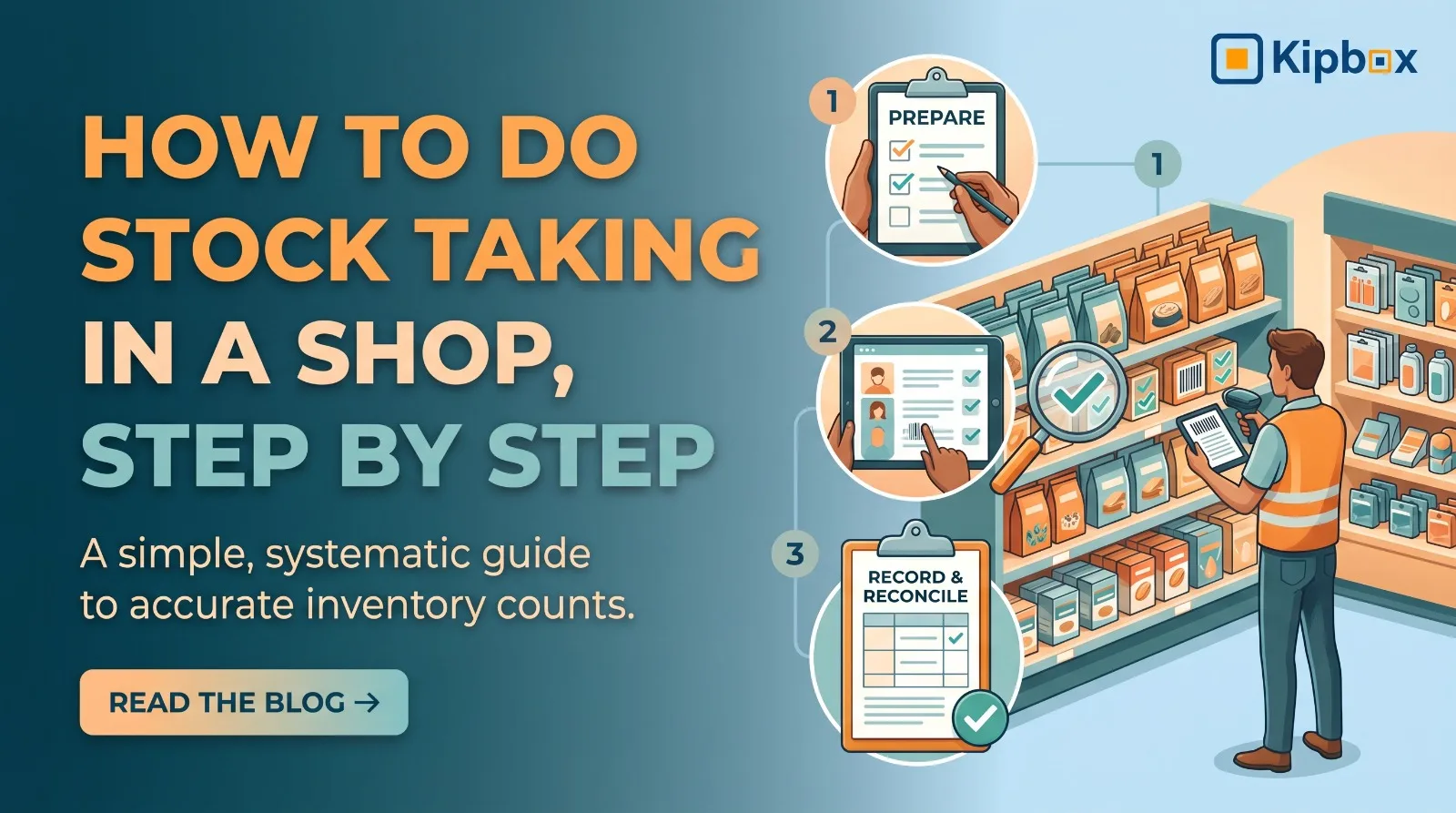
How to do stock taking: 7 steps
Step 1: Pick the right time
Count when the shop is quiet: before opening, after closing, or on your slowest day. Counting while customers are buying makes the figures move under you.
Step 2: Stop movement during the count
Do not receive deliveries or make sales from the counting area while you count. If you must sell, record the items sold and adjust afterwards.
Step 3: Print or prepare your list
Have your product list ready with the quantity your records show. Many people hide the system figure from counters so they count honestly, without being influenced by the expected number.
Step 4: Divide the shop into zones
Split the shop into shelves, rooms or sections. Give each zone to one counter. Mark counted shelves so nothing is counted twice or skipped.
Step 5: Count and write clearly
Count in full units. For cartons and loose pieces, record both clearly (for example, 3 cartons + 8 pieces). Have a second person recount any item with a large difference.
Step 6: Compare and investigate differences
List every item where the physical count and the system figure disagree. Before you adjust anything, ask:
- Was a sale recorded wrongly?
- Was a delivery not entered?
- Were damaged goods thrown away without a record?
- Was an item put in the wrong place?
Step 7: Correct the records and write the reason
Update the stock to the real quantity, and write down why the difference happened. This is the step most people skip, and it is the one that teaches you how to prevent next month's loss.
Make it faster: count in rotation
You don't need to count everything at once. Use cycle counting:
- Count your top-selling items weekly
- Count mid-range items monthly
- Count slow items quarterly
A little counting each week replaces one giant, painful count each year.
Common stock taking mistakes
- Counting only the shelf and forgetting the storeroom
- Counting returns or damaged goods as sellable
- Not recounting large differences
- Fixing the numbers without finding the cause
- Letting the same person who handles sales do the count alone
How KipBox makes stock taking easier
When your records are accurate every day, your stock count becomes a quick check instead of a rescue mission.
- Live stock levels show the expected quantity for each product, so you know what to compare against.
- Adjust Stock lets you correct a quantity after a count and record the reason, leaving a trail you can review later.
- Stock Movement report shows the history of any product with a running balance, so you can trace why a difference appeared.
- Staff permissions keep stock adjustments with trusted people only.
- Per-location stock means each store is counted against its own records.
Instead of spending a whole weekend finding out what went wrong, you can spend an hour on the few products where the numbers don't match.
Frequently asked questions
How often should a shop do stock taking? A full count at least once or twice a year, plus regular cycle counts of fast-moving items weekly or monthly.
How long does stock taking take? A small shop with a few hundred products can finish in a few hours with a team of two or three. Clean records and cycle counting cut this a lot.
What if my count is very different from my records? Recount first. Then check unrecorded sales, deliveries and damaged goods. Large persistent gaps usually point to a process problem, not bad luck.
Make your next stock count your easiest
Stock taking is painful when records are weak. Strengthen the records, and the count becomes a quick confirmation.
Start your free KipBox account and keep your stock accurate every day. Add your products, record sales as they happen, and walk into your next stock count with confidence.